New
Live compare previews, bold effects, and browser editing without a cluttered workflow.
Lumix / free online photo editor
Free Online Photo Editor — Creative Filters in Your Browser
Lumix is an online image editor no login required to start, a photo editor that works in browser without download, and a creative photo effects browser tool for anyone who wants to apply filters to photos online free.
Pixel Studio
Glitch Engine
ASCII Canvas
Neon Glow
Thermal Map
Blueprint Draft
Selective Color
VHS Retro
Pixel Studio
Glitch Engine
ASCII Canvas
Neon Glow
Start editing
Upload a photo and start editing directly from the homepage.
This section gives Lumix a real browser-based editing entry point: import a JPG, PNG, or WebP, preview a creative effect, and move into the full editor only when you want deeper control. It makes the product feel immediate, lightweight, and easy to use even if you want free image filters online with no account.

No login required
A simple photo editor for beginners online that still feels premium.
Use Lumix as a lightweight online photo editor, a fast online image editing tool, and a photo editor that doesn't require registration when you want to edit and save photos online free.
Free image filters online no account
Photo editor that works in browser without download
Apply filters to photos online free
Fast online image editing tool
Effect proof
Show the transformation, not just the filter name.
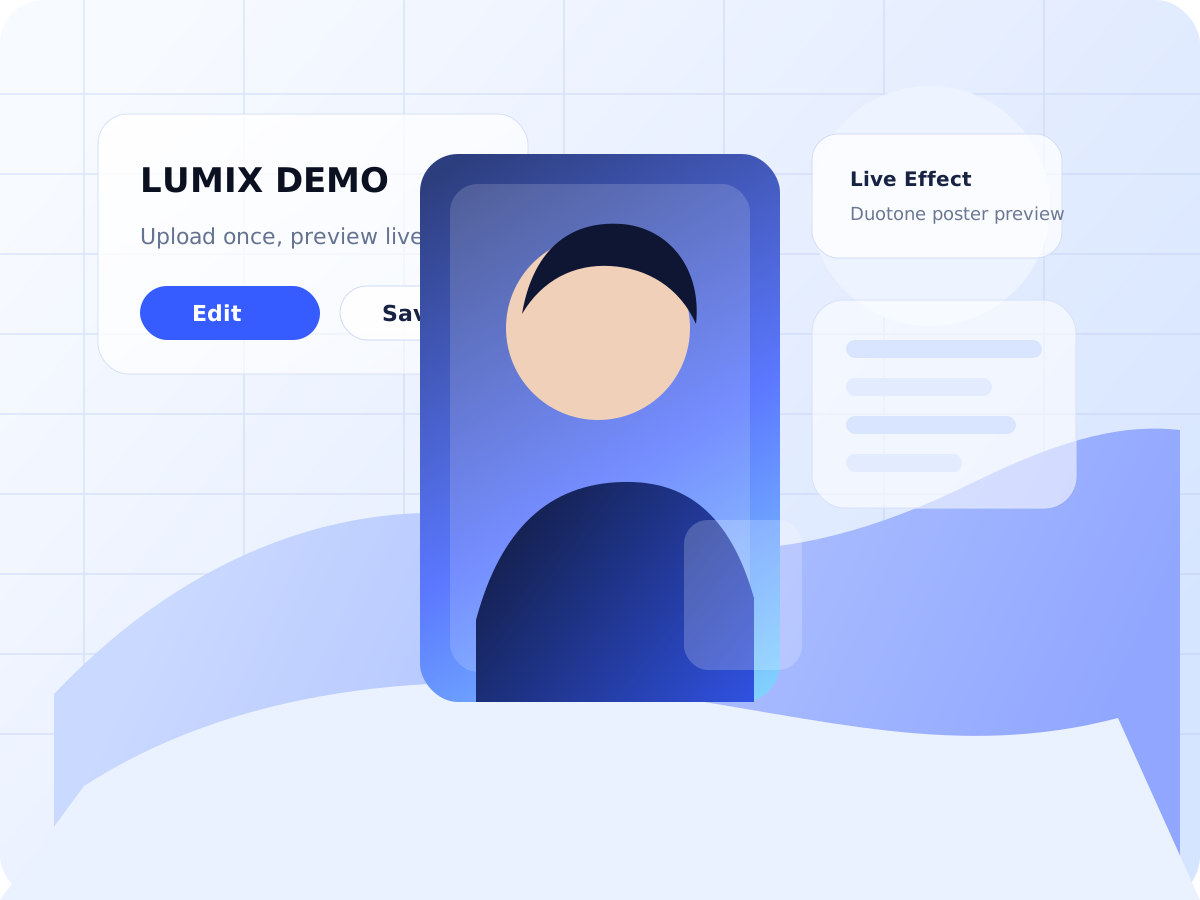
Every proof card uses the same source image. Drag each slider and you immediately see what Lumix adds instead of trying to guess from a label.
Interactive proof
Five draggable before/after cards explain the product faster than any paragraph.
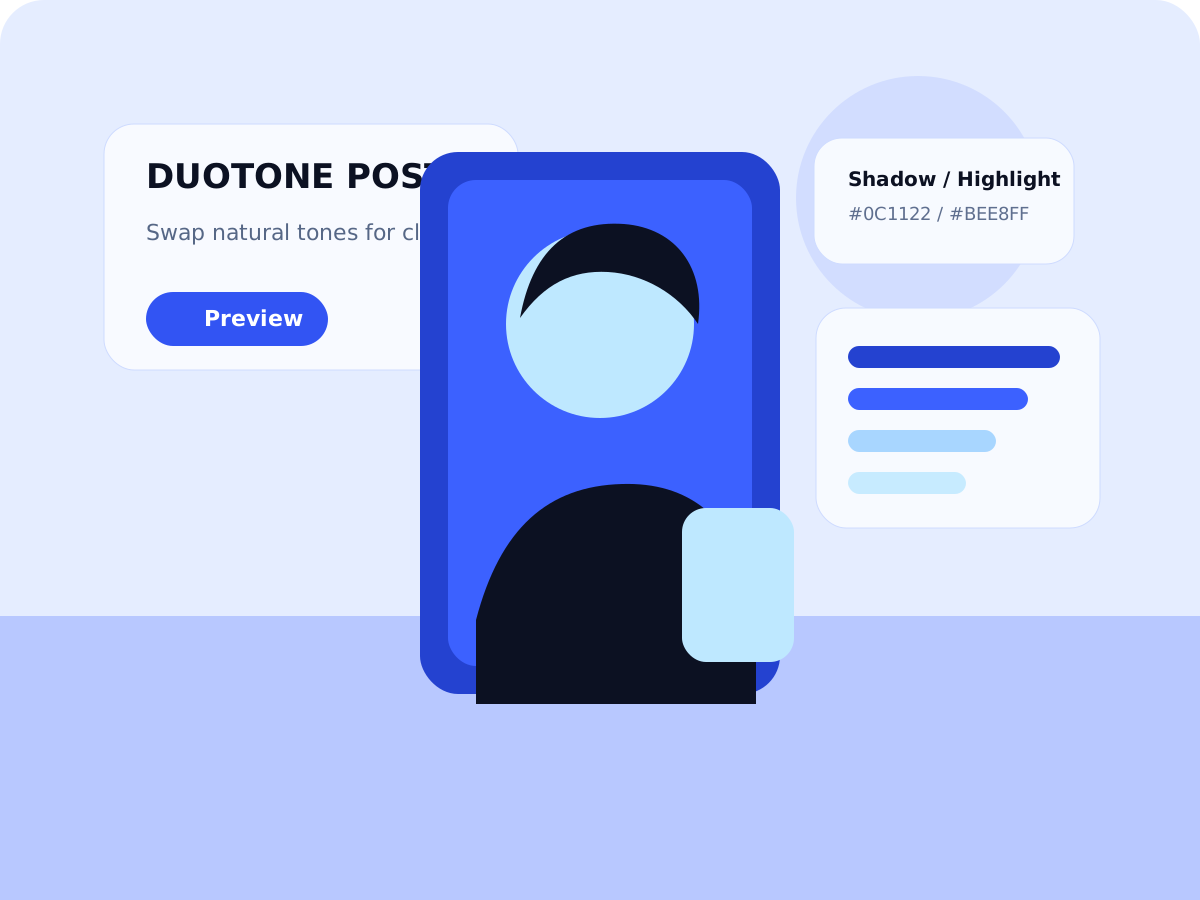
Duotone Campaign
Hero favoriteMap highlights and shadows into two sharp brand colors and make the result feel designed instead of merely edited.
Pixel Studio
Turn a smooth image into bold blocks for covers, gaming visuals, and retro campaign art.
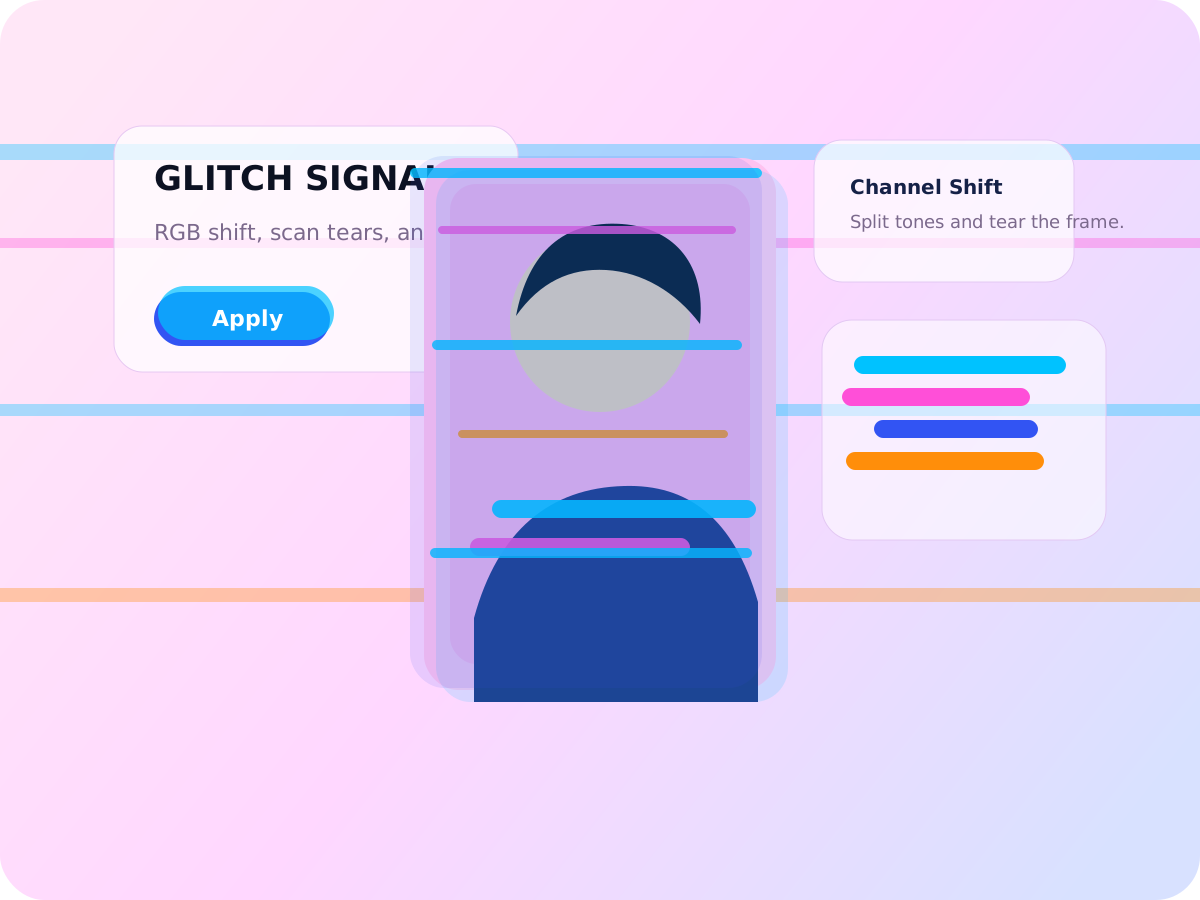
Glitch Signal
Push RGB splits and scan tears when the image needs loud signal energy instead of clean retouching.
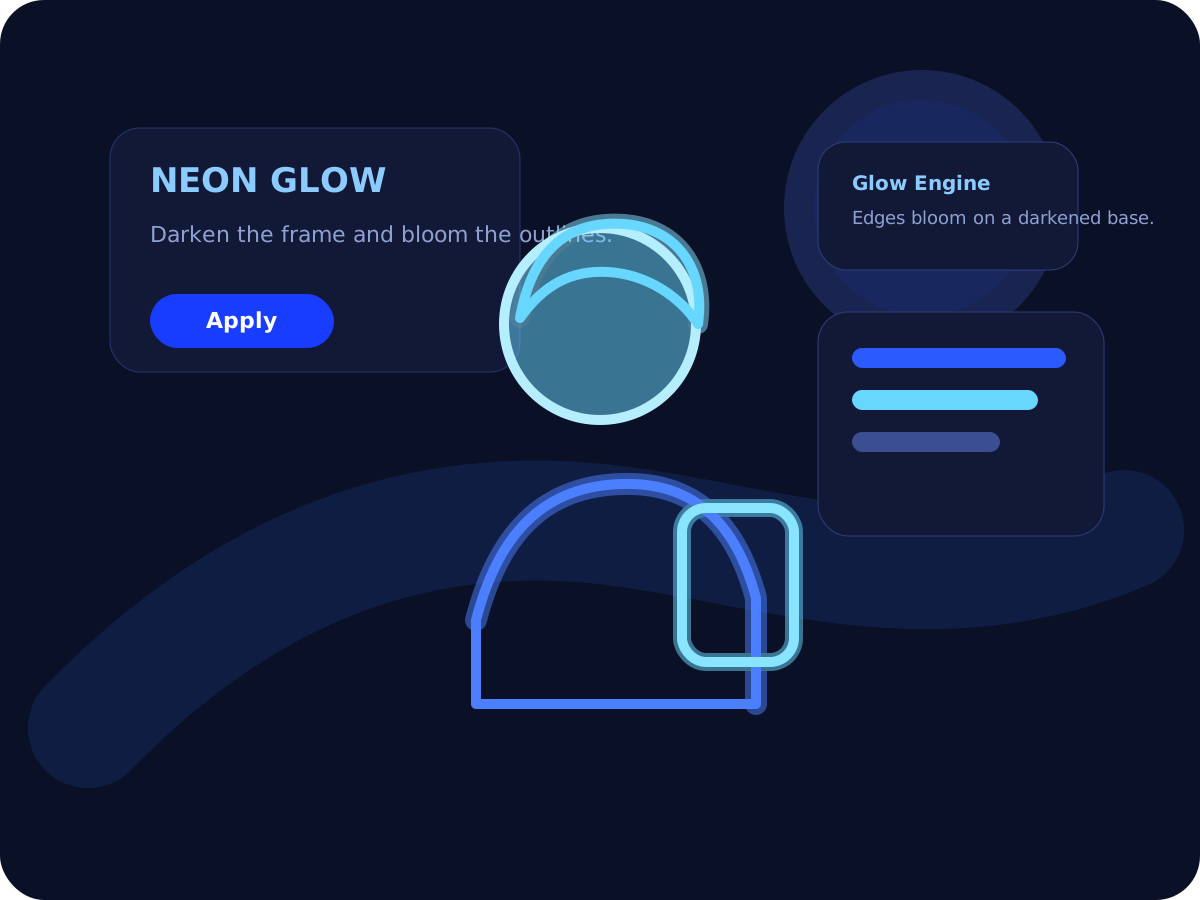
Neon Glow
Light up the frame with glowing edges for nightlife, music visuals, and cyber-inspired assets.
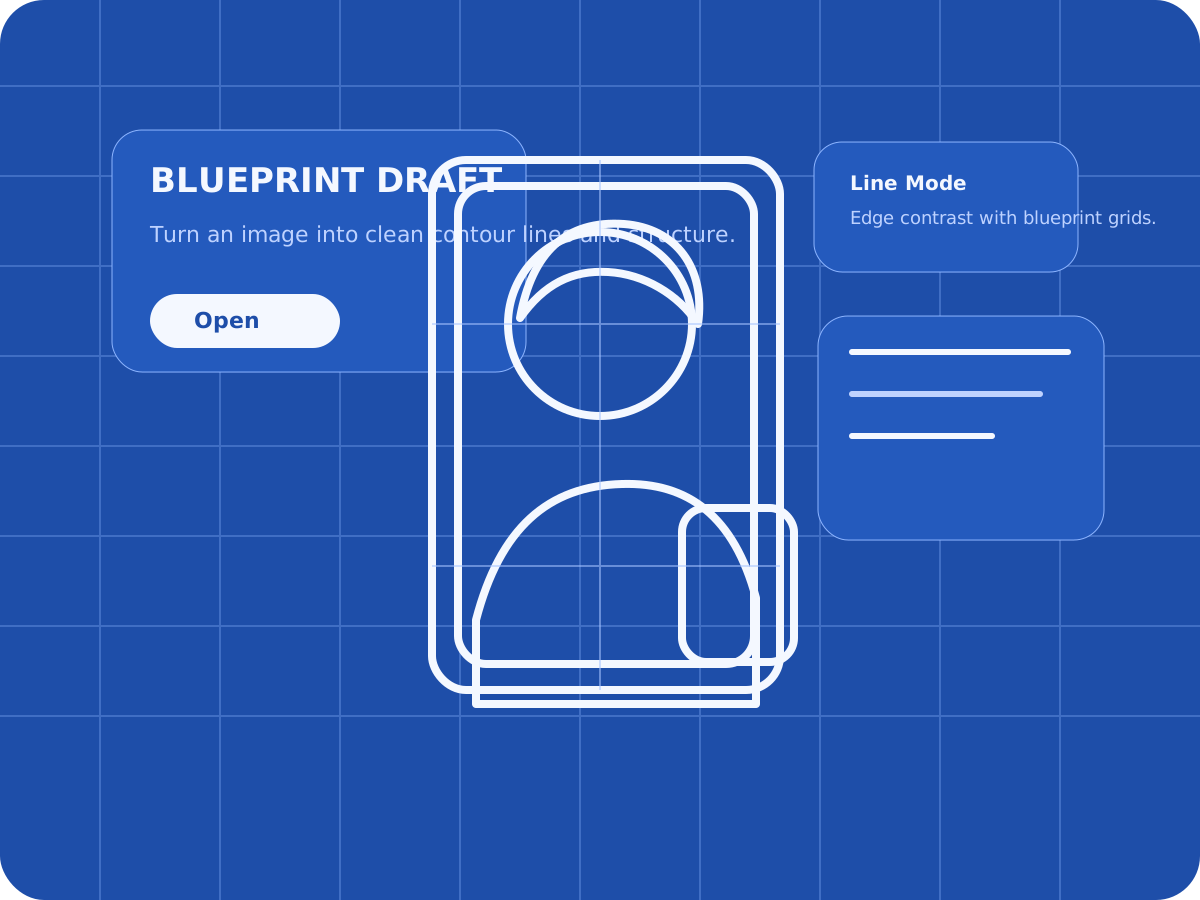
Blueprint Draft
Convert the image into a clean technical frame for architecture, concepts, and product direction.
Adjust sliders, switch effects, and compare original versus edited output without leaving the canvas.
Saved edits stay in the dashboard with thumbnails, timestamps, starter demos, and export history.
Download clean PNG files and keep a focused browser workflow that works on desktop and mobile.
Pixel Blocks
Grid-first stylization for covers, posters, and pixel-forward branding.
Great when the output needs to feel designed, nostalgic, and instantly recognizable from a distance.
Glitch Blocks
Broadcast damage, RGB splits, and broken-signal energy for louder visuals.
Use it for posters, music campaigns, stream covers, and any frame that needs more movement and tension.
Blueprint Blocks
Technical contour overlays for design-heavy presentations and concept frames.
Ideal for product direction, architecture references, clean brand systems, and structured visual work.
Studio workflow
Upload once, shape the look live, and export polished image assets in minutes.
Lumix keeps the path short: import the frame, dial the treatment, compare the change, save the project, and export a clean PNG. It works as a photo editor that doesn't require registration for quick starts, and it stays clear enough to feel like a simple photo editor for beginners online.
Drag & drop import
Real-time sliders
Saved projects
PNG export
Bring in JPG, PNG, or WebP and jump straight into the editor view.
Switch effects, tune intensity, detail, color, and compare the original instantly.
Keep the project in your dashboard or download a PNG the moment the frame feels right.
Contact
Need a custom workflow or a branded Lumix setup?
Send the project brief through the form and keep the conversation inside Lumix. This replaces a loose email thread with a cleaner intake flow.
Brand campaigns
Creative tooling
Studio workflows
© 2026 Lumix. All rights reserved.
Dashboard
Welcome back.
Workspace overview
Your workspace starts with real demo edits, not a dead blank state.
Save your own projects on top of the starter set, reopen them instantly, and use the dashboard as your visual workspace instead of a placeholder screen.
Live
Project history sync
Fast
Open saved edits instantly
Clean
Focus on filters and output
Recent Projects
Recent Activity
Projects
Saved edits
Settings
Preferences
Lumix lab